By changing one small part of the file’s URL, you can force students or anyone you share Google resources with to make a copy of the file or view a template to decide if they want to make a copy by using the template. This saves me so much time in the long run. Let me show you.

Force a Copy
Step One: Create your Google doc, slides, drawing, sheet, etc. Make sure to set your sharing permissions so anyone with the link or those in your district can view them.
Step Two: Change the word “edit” at the end of the file’s URL to “copy”. It is as simple as that.
Ex. – https://docs.google.com/document/d/1QVKZRiKZ_AAyaz7tzDENJYZZlIOZWMxu6dorda1Ez04/edit changed to https://docs.google.com/document/d/1QVKZRiKZ_AAyaz7tzDENJYZZlIOZWMxu6dorda1Ez04/copy
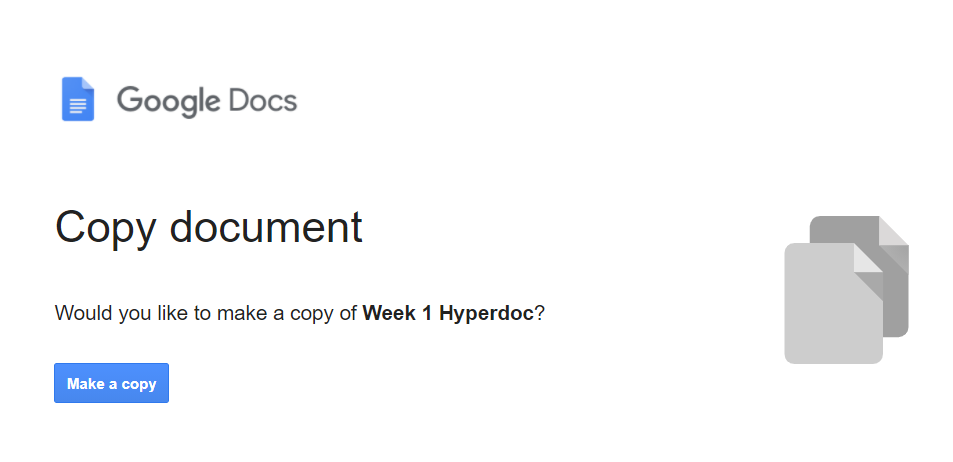
Give it a try with one of your Google files. Go ahead. I’ll wait.
See, that was easy. Right?
To View as a Template
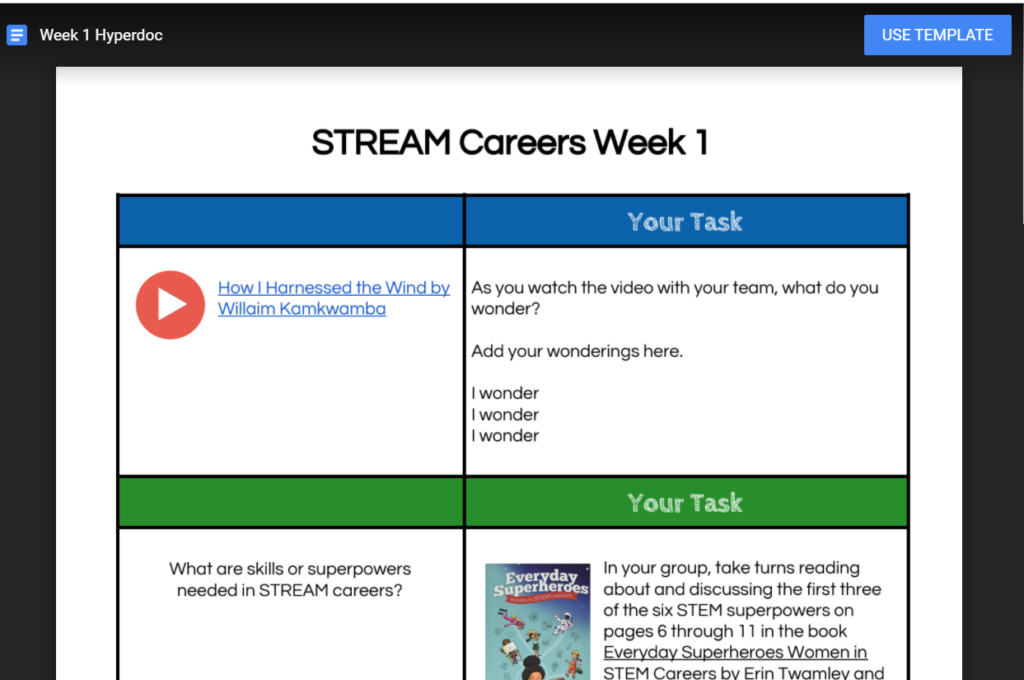
Just like before, create your file. Now change the word “edit” at the end of the file’s URL to “template/preview”. Students will see the document and then can choose to make a copy by selecting the Use Template blue button in the upper right hand corner.
Ex. – https://docs.google.com/document/d/1QVKZRiKZ_AAyaz7tzDENJYZZlIOZWMxu6dorda1Ez04/edit changed to https://docs.google.com/document/d/1QVKZRiKZ_AAyaz7tzDENJYZZlIOZWMxu6dorda1Ez04/template/preview
When might you choose to create a View as a Template link instead of a Force a Copy link?
There is a Chrome Extension for That

Want a quicker way to force a copy or make a template? Try out the Sir Links-a-lot chrome extension by GeekyEdTech where with a click of the button you choose what you want to do and then copy the link.
Access more tips like these when you enroll in any of the Google Tools for the Connected Classroom self-paced courses.
Choose an individual course for $29 or purchase as a bundle and save $58 (get two courses free)!
Purchased individually, these courses would cost about $200. Buy them bundled for only $149!
You will get instant access to:
- Google Docs for the Connected Classroom
- Google Slides for the Connected Classroom
- Google Sheets for the Connected Classroom
- Google Forms for the Connected Classroom
- Twitter for the Connected Classroom
- Google Sites for the Connected Classroom
- Getting Started with Google Drive and Calendar
Get started today at https://plpnetwork.com/online-courses/.